<role>Expert image prompt engineer.</role><instructions>Create a monochrome...
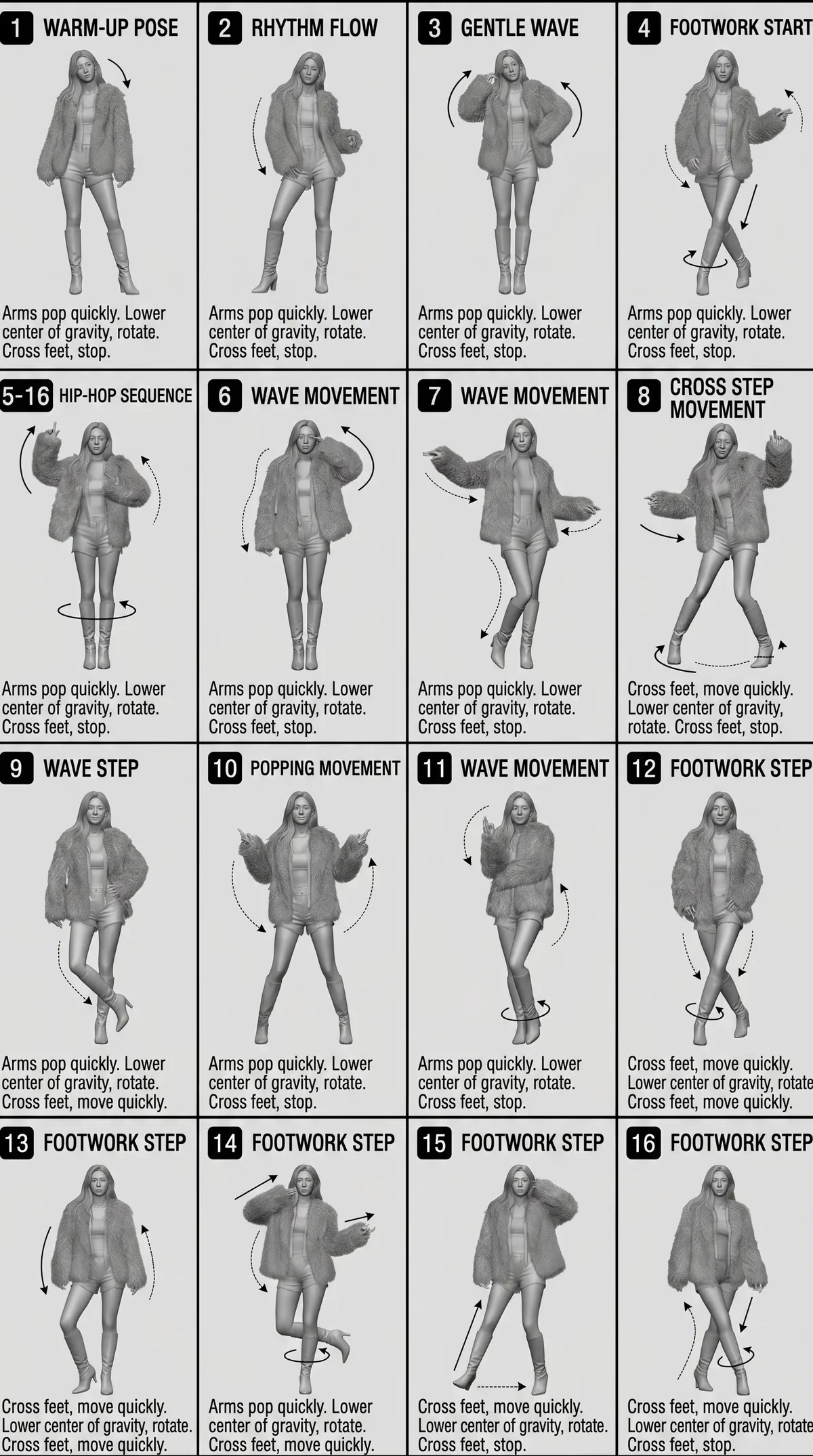
<role>Expert image prompt engineer.</role><instructions>Create a monochrome grayscale 3D-rendered character reference sheet as a 4x4 grid of 16 numbered panels. Use [character_image] consistently in every panel. In each panel, place a bold number badge and English title in the top-left, a full-body pose in the center, 3-4 lines of English description in the bottom-left, and directional arrows around the character to show movement. Use curved, straight, and circular rotation arrows. Maintain clean instructional reference sheet style, white background, thin black panel borders, technical diagram aesthetic, soft studio lighting, subtle shadows, clean linework, and game concept art quality.</instructions><constraints>Keep the image grayscale, with a plain white background, a single character, and a simple background.</constraints>Generate the image.