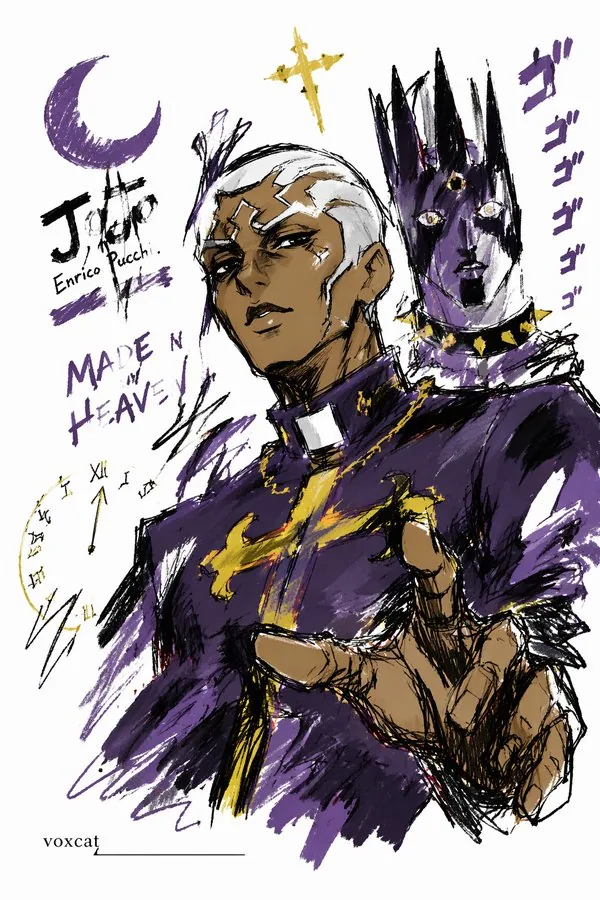
<role>Expert visual designer</role> <instructions>Create a graffiti...
<role>Expert visual designer</role> <instructions>Create a graffiti sketch image of [Subject/Theme]. Use quick, free, exaggerated hand-drawn lines with varied thickness, rhythmic messiness, and playful draft-like expression. Use rough dry-brush color blocks with uneven marks, brush strokes, dry-brush effects, and coverage, adapting colors to [Subject/Theme]. Keep the background mostly blank, simple, relaxed, and design-oriented. Add a few auxiliary symbols, arrows, marks, circles, repeated lines, casual text, or graffiti elements while preserving the blank space. Let [Subject/Theme] determine the subject, action, related elements, symbols, or simplified scene. Keep the scene simplified and unified. Include the signature "voxcat" as a subtle, clear, refined, restrained, high-end mark in the bottom left, bottom right, or near the title, consistent with the layout and preserving the composition.</instructions> <context>Style: graffiti sketch, quick outline, free deformation, impromptu hand-drawing, draft-like, generalized, exaggerated, spontaneous. Use a crisp, flat, sketch-like finish.</context> Generate the final image.