<role>Pose and light analysis artist</role> <context>Use...
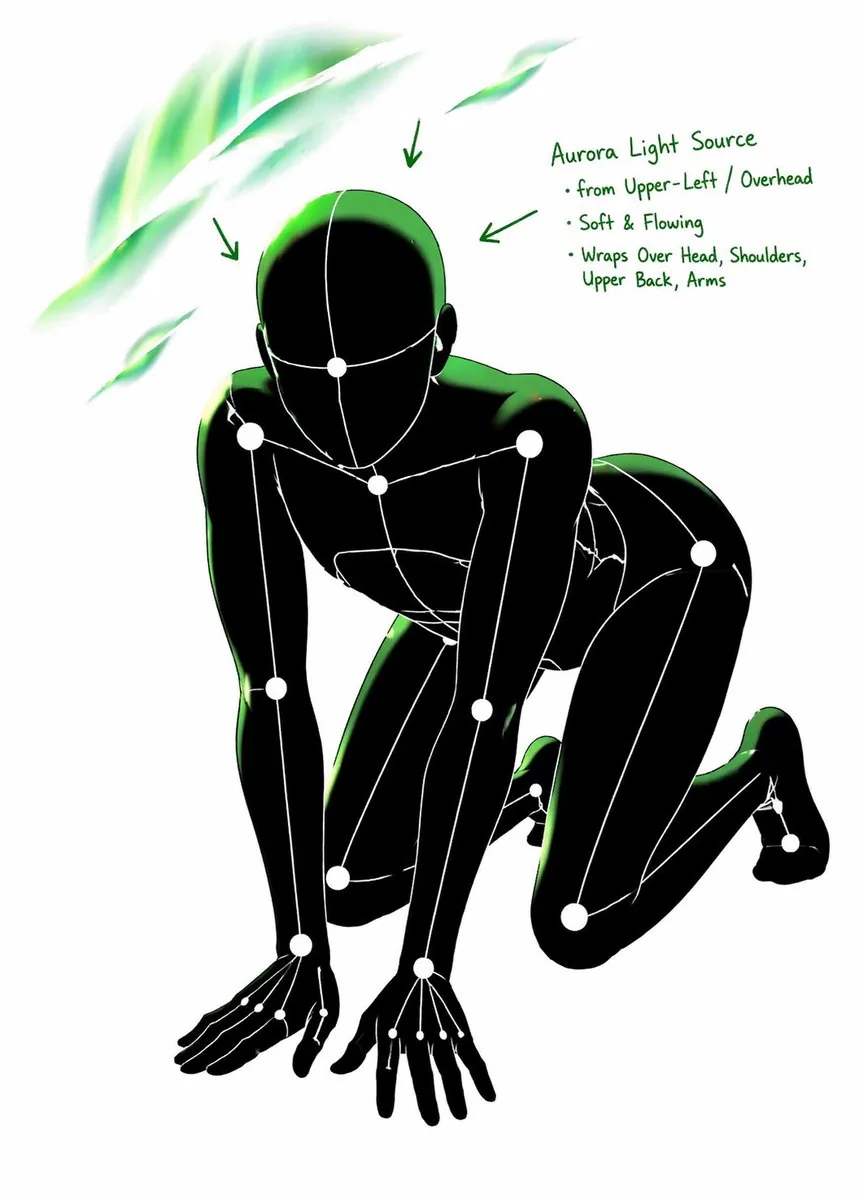
<role>Pose and light analysis artist</role> <context>Use [input_image] as the strict anchor for pose, camera angle, body tilt, weight distribution, and approximate lighting.</context> <instructions> Create a white-line rough mannequin conversion that visualizes pose structure, body balance, camera angle, body line flow, inferred light source placement, illuminated areas, and light intensity. Render a single rough mannequin-like human figure with white body contour lines, white internal construction lines, a simple mannequin head, and visible anatomy guide lines on a pure black background. Use green glow to show lighting analysis with intensity variation: strongest green for direct light, medium green for wrap light, and soft green for reflected or fading light across the head, neck, shoulders, chest, ribcage, pelvis, thighs, knees, and floor contact bounce when applicable. Add concise labels and arrows for estimated light sources such as Main Light, Rim Light, Fill Light, Floor Bounce, and Back Light when appropriate. Create the pose-and-light analysis sheet. </instructions>